Follow the light. Leave some shadow.
A practical way to find atmosphere before you reach for an effect.
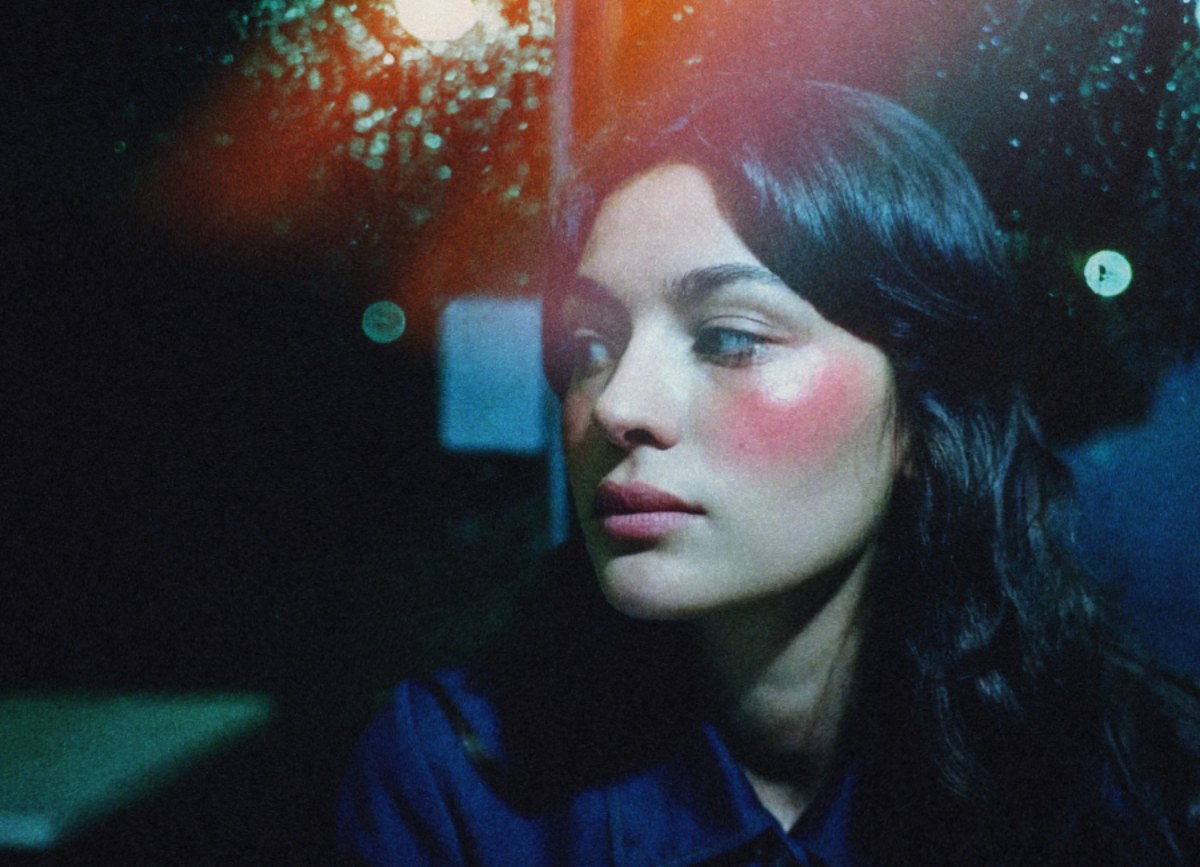
Move before you edit
Take a few steps around your subject. Turn toward a window, then away from it. Notice what happens to the face, the background and the brightest part of the frame. Sometimes a small change of position gives you more atmosphere than a large change in editing. You do not need extraordinary surroundings to practise this.
Find the brightest distraction
Before adding glow or a leak, identify the brightest area of your picture. Is it the place you want someone to look? A pale wall or a lamp can compete with a face. Try a different crop or a gentler highlight adjustment first. An effect works best when the underlying picture already has a clear direction.
Give light a reason
A light leak can introduce colour, soften an edge or suggest light entering from outside the frame. In First Sight, choose its character, then use Move on photo to position it. Try placing it near an existing bright edge. Then deliberately try the opposite. Keep the version that makes the picture feel more coherent to you.
Let the shadow stay
Making every dark area visible can flatten the mood you liked in the first place. A little uncertainty can make a photograph inviting. Use Compare to check whether you are revealing something useful or simply brightening everything. There is no requirement to recover every detail.
Try a three-frame study
Photograph the same corner in morning light, in shade and after sunset. Use one film stock across all three. Adjust strength and light effects separately for each picture. Notice how much of the mood comes from the scene, and how much comes from your edit. The aim is a relationship between the two.